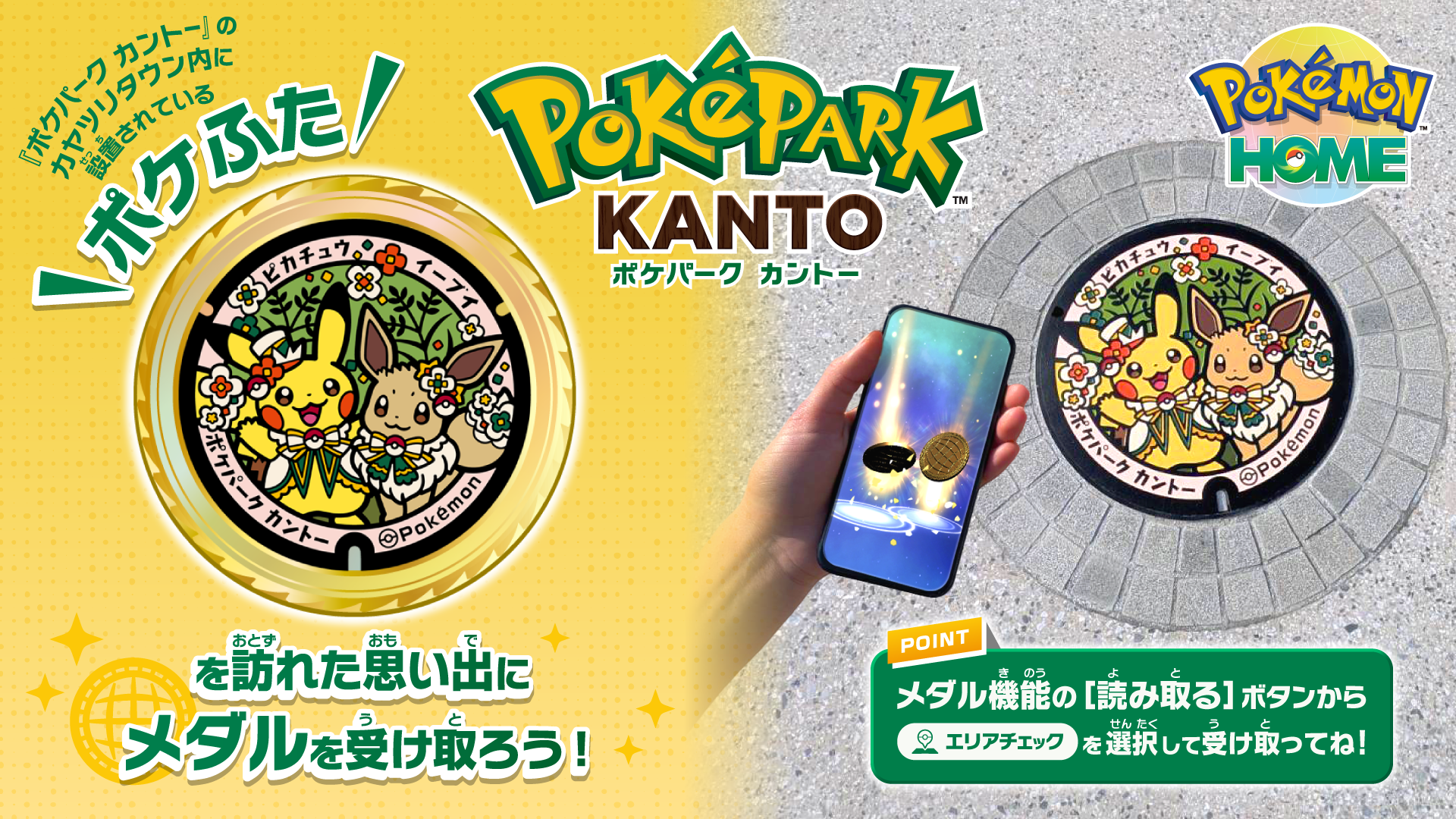


『ポケパーク カントー』を訪れた思い出にスマートフォン版『Pokémon HOME』で「ポケふた」のデザインのメダルが受け取れます。
カヤツリタウン内に設置されている、ポケモンのマンホールふた「ポケふた」に訪れると、メダルが受け取れます。
■「ポケふた」デザインのメダルの受け取り方
1. カヤツリタウン内の「ポケふた」を訪れる
2. スマートフォン版『Pokémon HOME』の「メダル」→「読み取る」→「エリアチェック」を選択
3. このエリアで受け取れるメダルから、「ポケふた来訪記念」を選ぶとメダルを発行!
■注意事項
・「ポケふた」のメダルの取得には、お使いの端末で『Pokémon HOME』の位置情報機能を有効にする必要があります。
・お住まいの地域やご年齢によっては「エリアチェック」が表示されない場合がございます
・「ポケふた」のメダルは1日1回のみ発行可能です
・1回のメダル発行で、同じメダルを2枚受け取ることができます
・発行制限は毎日午前9時(日本時間)にリセットされます
・やむを得ない事情により、予告なくサービスを中断する場合がございます
・『Pokémon HOME』メンテナンス期間中は、メダル機能もご利用いただけません
・メンテナンス中で受け取れなかったメダルについてのお問い合わせは対応いたしかねますので、あらかじめご了承ください
・お客様のスマートフォン端末の設定や状態により、メダルを正常に受け取ることができない場合がございますが、これらの理由による補填は対応いたしかねますので、あらかじめご了承ください